Restaurant Website with a Digital Menu: 2026 Best Practices
How restaurants win more guests with a fast website, a digital menu and online reservations — mobile-first, findable, with honest pricing and FAQ.
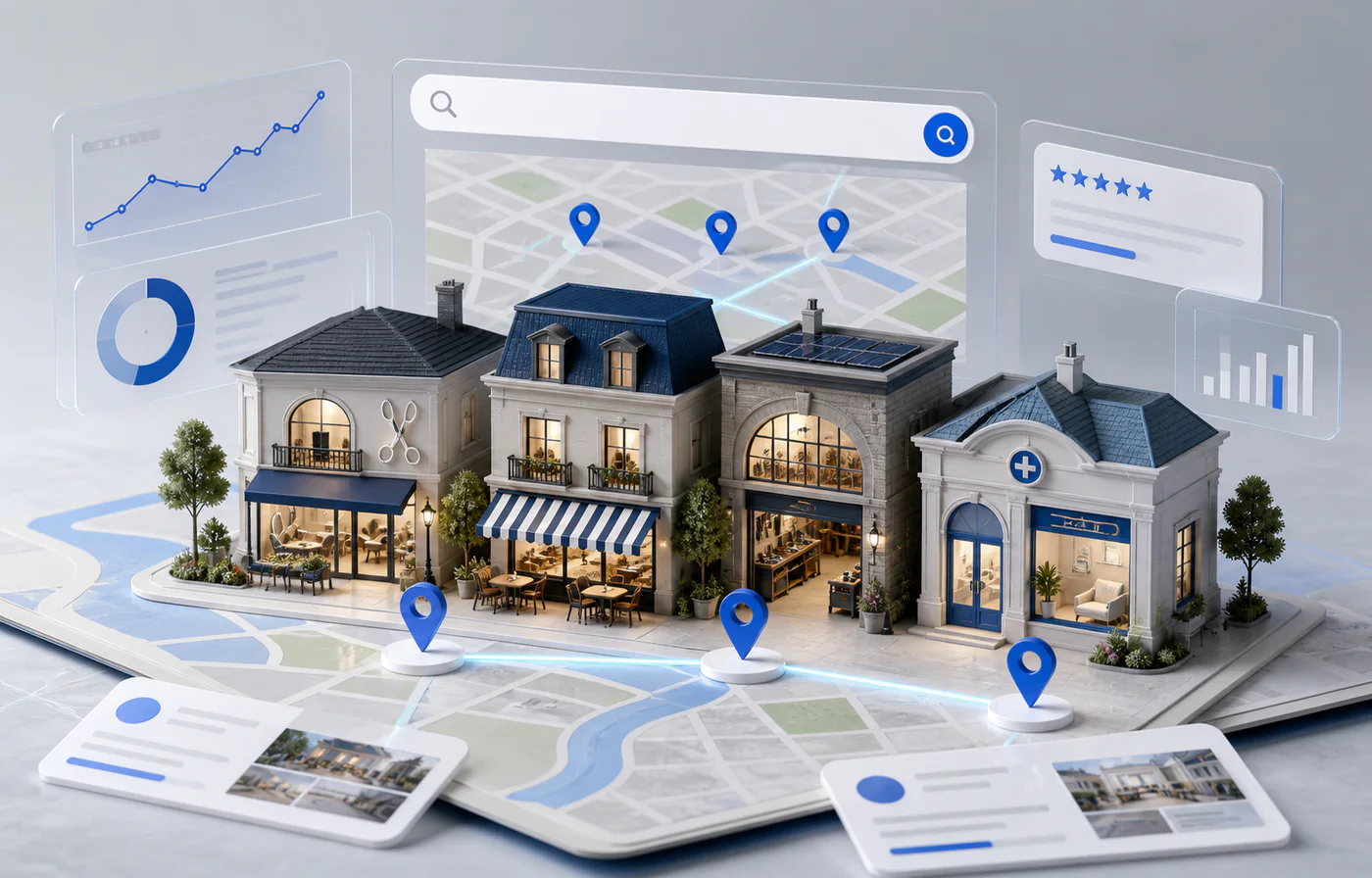
Before anyone walks into your restaurant, they've googled it. The first question is almost always: "What's on the menu — and can I reserve?" A good restaurant website answers both in seconds, on a phone, without a PDF download.
That's exactly where many restaurant websites fail: the menu is a scanned PDF, the reservation is an answering machine, and the page takes ten seconds to load on mobile. By then the guest is already at the Italian place next door. In this article I'll walk through what really matters in 2026 — with honest prices at the end.
Get the digital menu right
No PDF — a real web page
A PDF loads slowly, forces pinching and swiping, and is nearly invisible to Google. Concretely: someone searching "pasta + your town" will not find your PDF menu — for search engines, your dishes simply don't exist. Built as a real web page, every category and every dish can be found.
Mobile first
Most guests look at the menu on a smartphone — often on the go or right outside your door. Large type, clear categories, fast scrolling. If reading the starters requires zooming, the menu has failed.
Current and honest
Prices and availability have to be right — nothing annoys guests more than a menu from two years ago. A weekly lunch special belongs on the page just as much as allergen labels and vegetarian/vegan markings. You have to be able to declare allergens anyway — kept up to date on the website, the question answers itself.
Appetising, but sparing with photos
A few great photos beat many mediocre ones. Three to five real shots of your kitchen's work say more than thirty dark phone pictures — and the page stays fast.
Online reservations instead of phone tetris
At peak times the phone rings while service is running — and whoever can't get through books somewhere else. Online reservations take bookings around the clock, show free times, confirm automatically by email, and quietly fill the off-peak slots nobody thinks about during the phone rush.
Reservation platforms can bring reach, but they usually charge ongoing fees — monthly or per seated guest. A reservation through your own website costs you no commission, and the guest data stays with you.
See what this can look like on the restaurant website page. The complete example site, "La Piazza", lives at la-piazza-restaurant.vercel.app — a demo restaurant, not a real business, but with a digital menu and reservations you can actually try.
Get found locally
Guests search "restaurant + town", "lunch near me" or straight for dishes ("ramen Dortmund"). To show up:
- Name the city, district and cuisine in titles and copy — "Trattoria in the Kreuzviertel" ranks, "A warm welcome" doesn't.
- A well-kept Google Business Profile with photos, map and current opening hours — on public holidays especially, this decides between full and empty tables.
- Collect and answer reviews — the critical ones too, politely and factually. Guests read the replies.
- The menu as a real page of its own — so Google can match your dishes to searches.
Speed = guests
A slow page loses guests before the menu even loads — and Google ranks it lower. How much slack sits in a typical website-builder page shows in a real client project from my portfolio: after moving from Wix to a modern, custom-built setup, mobile load time dropped from 13.2 seconds to 0.8 seconds — and Google's own page test has scored the site 100 out of 100 ever since, up from 72. The full case is in my portfolio.
For a restaurant that means: speed isn't a technical toy — it helps decide whether the hungry guest sees your menu or your competitor's.
What does a restaurant website cost?
Fixed prices instead of "on request" — all details on my services page:
- From €490 — a compact restaurant website with a digital menu and contact; online reservations are already included, no surcharge.
- €1,200 — a multi-page website with content you maintain yourself: menu, lunch specials, gallery, events.
- €2,900 — bigger projects with custom features.
Every project includes two weeks of free support after launch; after that there's an optional care plan from €39/month — no obligation. I reply to every enquiry within 24 hours.
Frequently asked questions
Why not a PDF menu?
Because it reads poorly on a phone, loads slowly and stays practically invisible to Google. Built as a real web page, your menu gets found — including searches for individual dishes.
Can I update the menu myself?
Yes — depending on the package, you either maintain the menu yourself through a simple editing system, or you send me the change and I put it live (included in the care plan from €39/month).
Do I need a reservation platform?
Not necessarily. A reservation through your own website costs no ongoing commission, and the guest data stays with you. A platform can add reach on top — as a complement, not a replacement.
Isn't my Google Maps listing enough?
The business profile matters, but it's limited: no full menu, no reservations of your own, hardly any design. Profile and website work best together — the profile brings the click, the website brings the guest.
How much does a restaurant website cost?
With me, from €490 including a digital menu and online reservations; a multi-page website is €1,200. All prices are published openly on the services page.
How fast does your website load when a guest is hungry?
See the demo site 'La Piazza' with a digital menu and reservations — and what makes a modern restaurant website work.
View the restaurant demoVladyslav Kobiakov builds fast websites with digital menus and online reservations for restaurants and local businesses — working remotely from Mykolaiv, Ukraine. Request a free consultation.